WordPress to Webflow — without the migration mess.
Replatform to Webflow with redirects, structure, and stability handled — so you gain speed and lose plugin anxiety.
Downtime is not a maintenance problem when it lands on a prospect mid-enquiry.
Routine edits queue behind a developer, so the site stops reflecting the business.
You are paying to keep a stack alive rather than to improve it.
Content, CMS collections, and templates mapped into Webflow properly — not pasted.
Search equity protected by a redirect map written before anything goes live.
Some clients migrate first and elevate later. Both are legitimate.
Bilingual and multi-language handled with Webflow Localization, not a translate widget.
We stay on it through the window where migration problems actually surface.

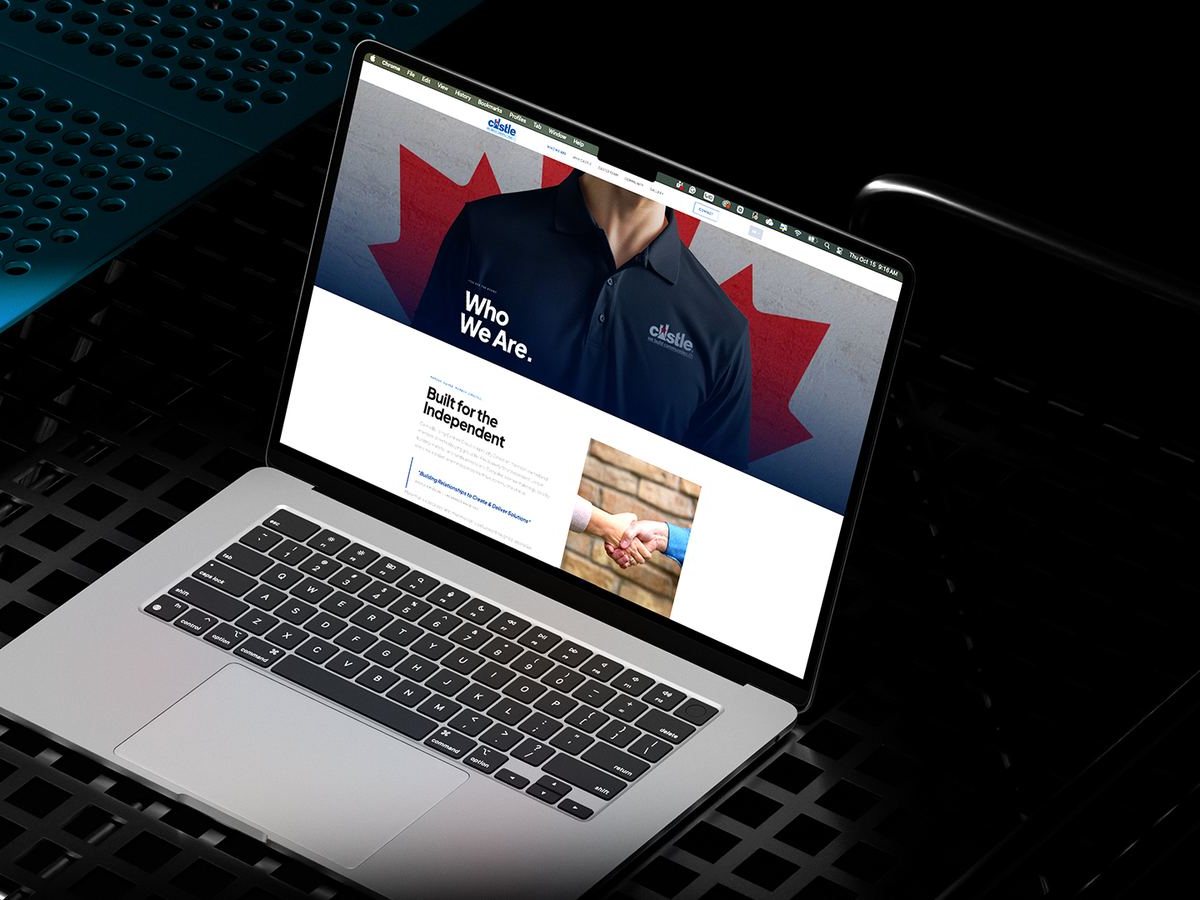

Many migrations complete in about six weeks, depending on page count, integrations and content. Larger builds take longer: the Castle Building Centres recruitment site took eight weeks, including video production. We scope every project before we commit to a date.
Not if the move is planned properly. We map every existing URL, write the 301 redirect plan before launch, carry over titles, meta descriptions and headings, and resubmit the sitemap. No migration is zero-risk, and we tell you exactly what we watch in the weeks after launch.
Yes. Blog posts, case studies, team profiles and other repeatable content are mapped into Webflow CMS collections, with categories, authors and images intact. Your team can keep publishing from day one, without a developer.
No. Some clients migrate first and redesign later, keeping the current look while gaining a stable platform. Many use the move as the moment to rethink structure and design, because the content is being rebuilt anyway. Both are legitimate, and we will recommend one.
We list every plugin and integration before the build starts. Most plugins are replaced by native Webflow features, and forms, CRMs, booking tools and analytics are reconnected through integrations or embeds, then tested before launch.
Webflow gives clean code, managed hosting, automatic SSL and full control over titles, meta, schema and redirects without plugins. WordPress can rank well too, but only while its plugins stay updated and compatible. When Handsome Home Buyer left a plugin-heavy WordPress build, uptime improved 95%.
Yes. We use Webflow Localization from the start: one design system, a translated version of each page, and translated URLs and metadata so every language can rank on its own. No translation widgets bolted on afterwards.
Yes. Pages and CMS content are edited in Webflow’s editor without touching code, and we walk your team through it at handover. Our Care plans cover updates, fixes and improvements after launch.
Ready to leave WordPress behind?
Send us the site. We will tell you what the migration actually involves and what it protects.
